Write notes, collaborate in real-time, and let AI help you think deeper — all in one beautiful workspace.
Block editor, AI assistant, command palette, and real-time sharing — all in one lightweight app.
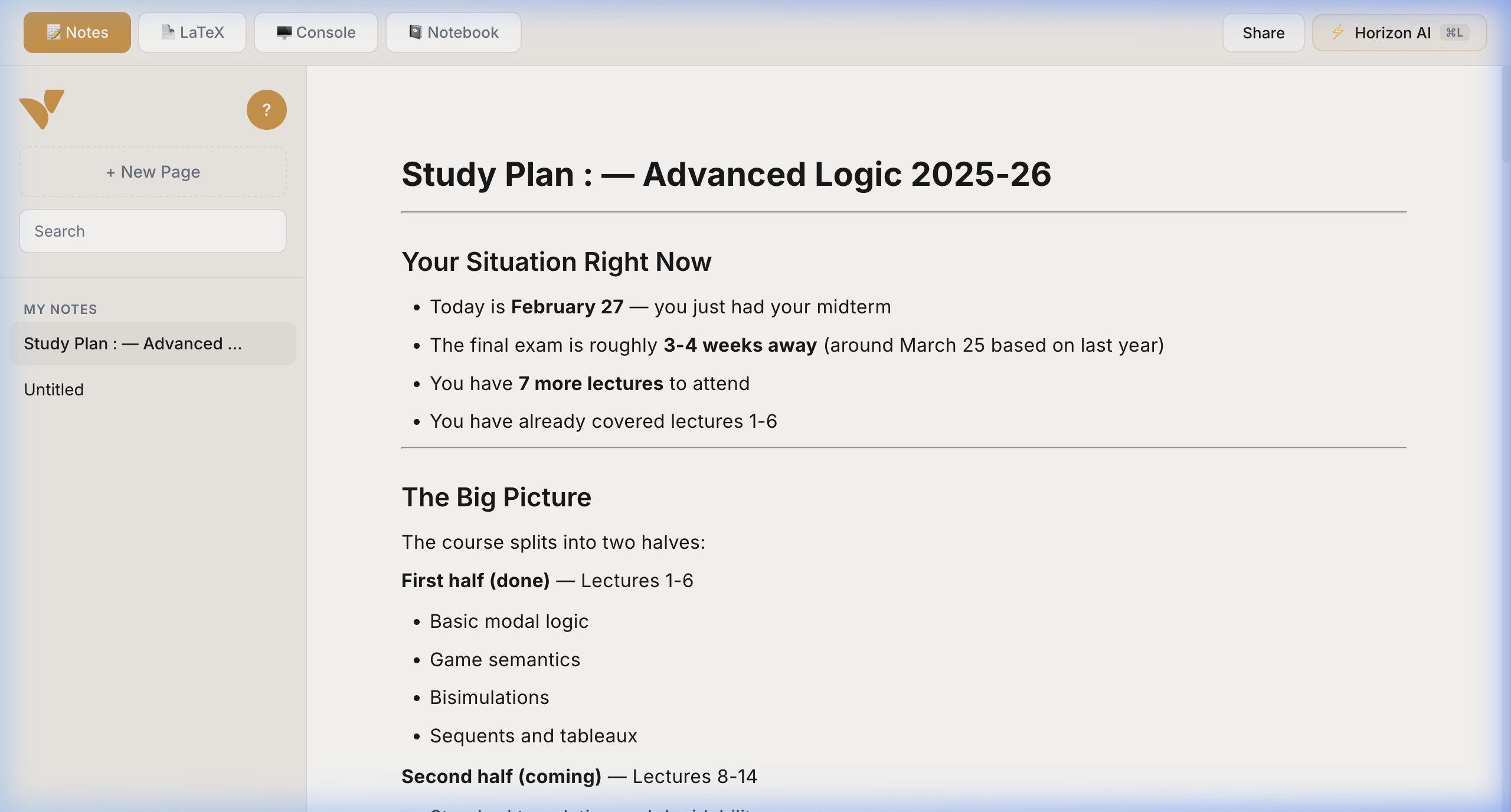
Paragraphs, headings, lists, code blocks, quotes, and to-dos — all with slash commands at your fingertips. Type / and go.
Search notes, switch contexts, and navigate your workspace at the speed of thought.
Publish a page, set edit or view permissions, and share a link. Simple collaboration.
Ask questions, brainstorm ideas, get explanations, and let the AI assistant help you write, research, and understand — right inside your notes.
We stripped out the bloat and kept what matters — a workspace that actually helps you think.
Your notes live on your device. No cloud lock-in, no accounts required. Open the app and start writing — instantly.
Switch between fast block-based notes and AI-powered research in the same app. No more juggling Google Docs, Notion, and ChatGPT.
No setup, no extensions, no config files. It just works in your browser — open and start creating in under a second.
We got tired of bloated note apps that care more about enterprise features than the act of writing itself. Every tool we tried was either too simple to be useful or too complex to feel fast.
Vidhra is the workspace we actually want — one where you can go from a quick idea to a polished document in the same flow, with AI that helps you think and nothing between you and your thoughts.
No matter what you're working on, Vidhra is where it all comes together.
Consolidate all your lecture notes, readings, and research. When something doesn't click, the AI helps you understand and practice.
Organize papers, annotate findings, and let AI surface connections across your work. From literature review to publication-ready docs.
Blog posts, project docs, creative writing — Vidhra adapts to how you think. Distraction-free, keyboard-first, always fast.
Built-in AI chat that understands your notes. Ask questions, brainstorm, and get explanations without leaving your workspace.
Share any page with a link. Set permissions for view, comment, or edit access. Your notes are now collaborative.
Type / to instantly switch between headings, lists, code blocks, quotes, and more. Keyboard-first editing.